- Sign in to myCWI.
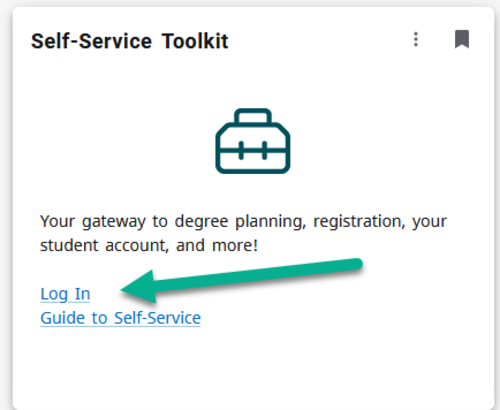
- Navigate to the Self-Service Toolkit card, then log in.
- From the menu, select Student Planning.

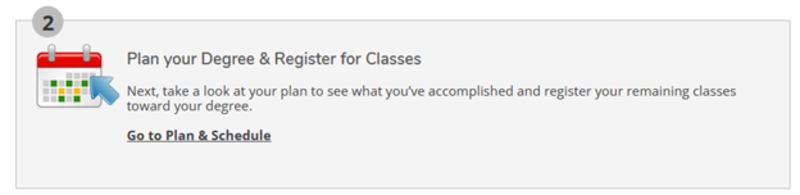
- Select Go to Plan & Schedule.
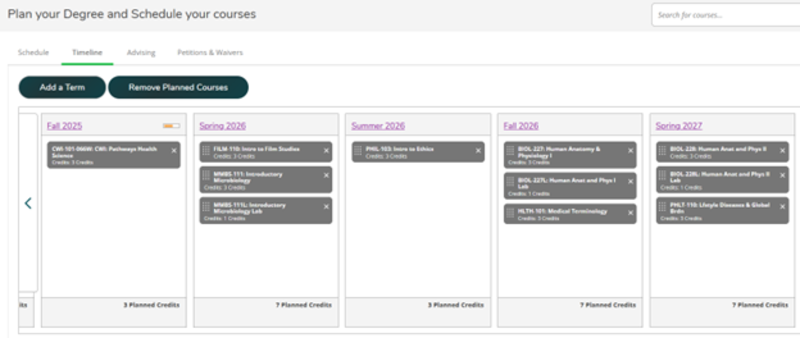
- Select the Timeline tab.
If your advisor has created an academic plan, your classes will display in a tentative suggested timeline by semester.
Drag and drop courses to different terms within the timeline.
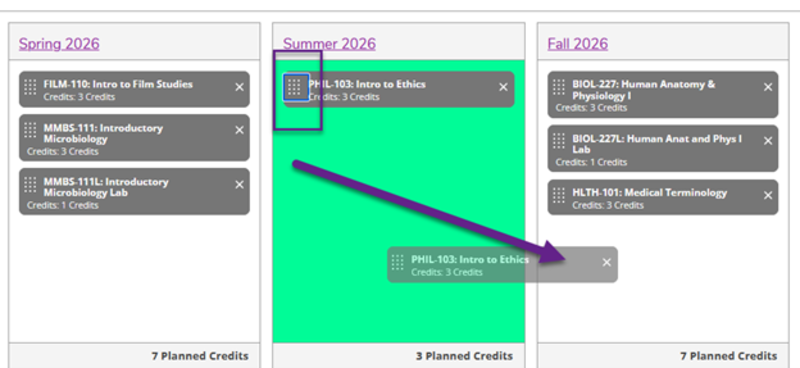

Important: Some courses must be taken in a specific order because of prerequisites or co-requisites. Others are only offered in certain semesters. Always review timeline changes with your advisor before finalizing.