- An incomplete Student Financial Agreement will keep you from being able to register for classes.
- If you have not completed your agreement, Complete Financial Agreement, will appear in the Notifications & Holds section in the top right of your Toolkit.
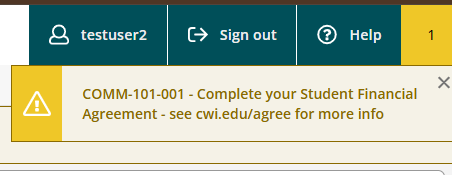
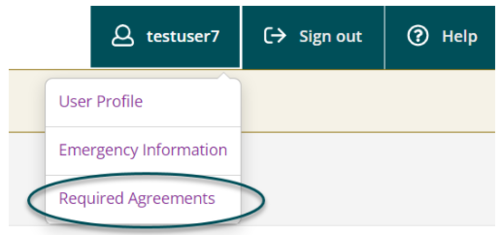
- To access your required financial agreement, select Required Agreements in the top right of the screen.
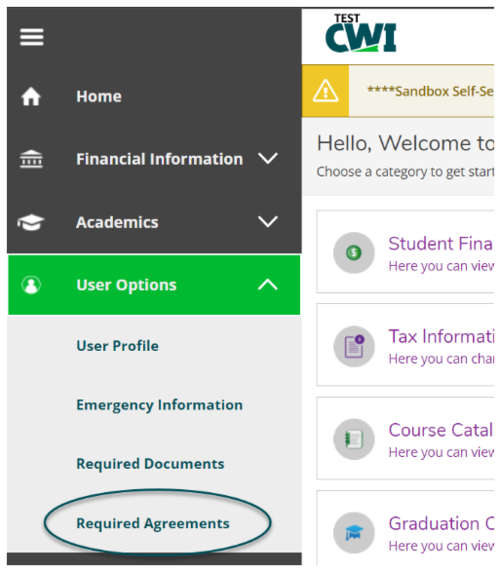
- Your financial agreement may also be accessed by selecting Required Agreements under User Options from the left menu options.
- Your Student Financial Agreement will populate with a status of complete or incomplete.
- If the status is incomplete, select View to view and accept the agreement.

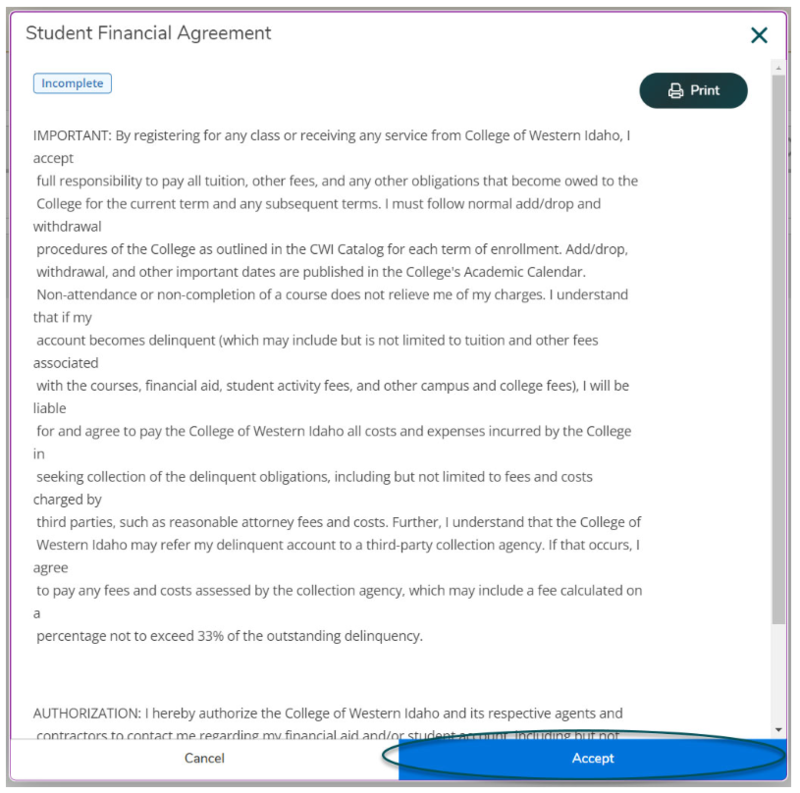
- Once completed, click Accept.
- Once you have completed the agreement, you can verify your agreement has been accepted for the academic year.
