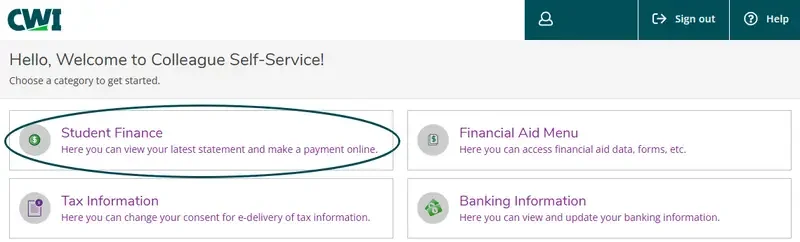
- From your Self-Service Toolkit, select Student Finance.
- From the Account Summary screen, click on Make a Payment.
- Select Continue to Payment Center.
- Add your mobile number to receive text messages about your account.
- Select Enroll in Payment Plan.
- Select the account and term, if necessary, then an eligible plan.
- Review plan details, then Continue.
- Add payment method, then Continue.
- Scroll through the Payment Plan Agreement, click to agree, then Continue.
- Review the ACH Payment Agreement to set up auto-pay (required) and click continue.
- You have successfully enrolled in your payment plan and paid the set-up fee and down
payment once the Payment Receipt page is displayed.