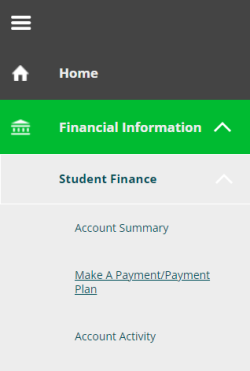
- Select Student Finance under Financial Information from the left menu options, then Make a Payment/Payment Plan.
- Check the box for the class/section you would like to request a payment plan for, then click Create Payment Plan, then Continue.
- Select Payment Plan to view payment amounts, due dates, terms, and conditions.
- Review the information, check the I agree to the terms and conditions outlined above box.
- Click on Continue to view your payment plan and choose a payment method.