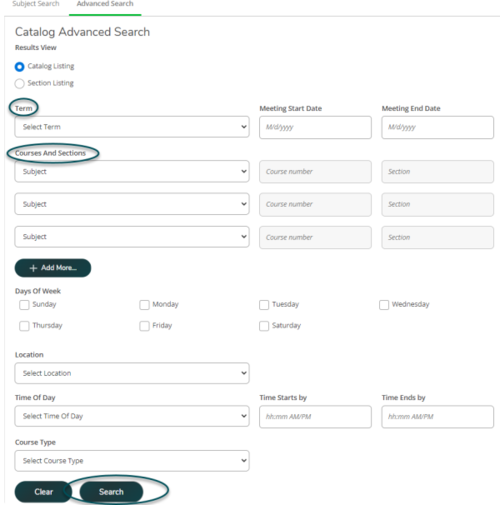
Once logged in, select Course Catalog to get started.
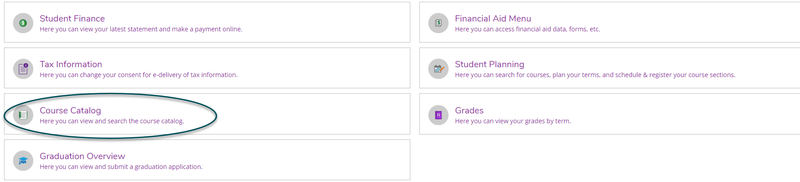
- Search for a course by subject under Subject Search.
- Scroll through the list or use the search bar to select the subject you would like to search.
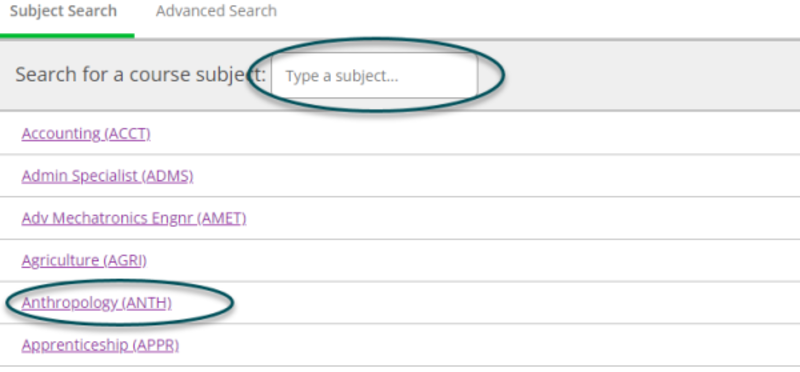
- Filter results will appear on the left.
- Courses available within your chosen subject will populate on the right.
- The name, a description, requisites, and semesters offered will be listed for each course.
- Select View Available Sections to explore available seats, times, location, and the instructor of each course section.
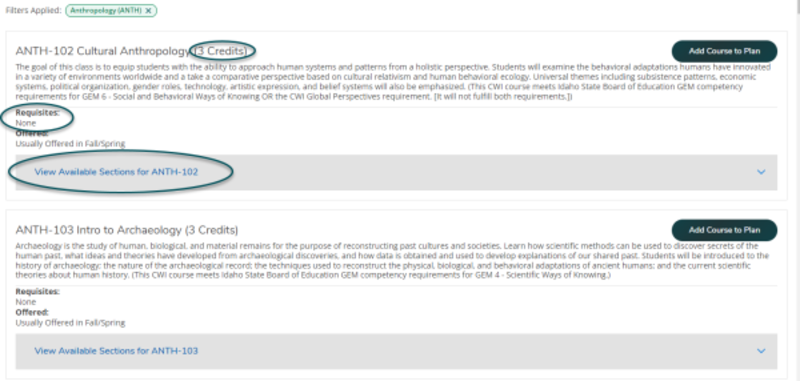

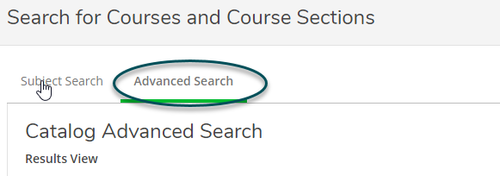
- Select Advanced Search to search for a course based on specific criteria.
- Complete search fields to find your desired courses.
- At minimum, it is recommended term, subject, and course number are completed for best results.
- Completing too many search fields may narrow your results too far hiding potential course options.
- Once you have entered all desired information, select Search.