Select Academics from the left menu, then Graduation Overview.
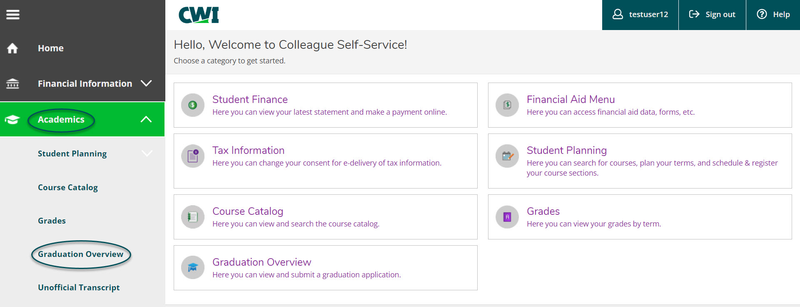
- At the top of the Graduation Application page, you will see a link to the Graduation page which is a great resource for details on commencement, graduate information, how to get involved, and more.

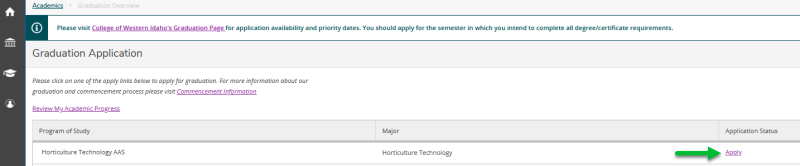
- To apply for graduation, select Apply under Application Status for each program you wish to graduate from.
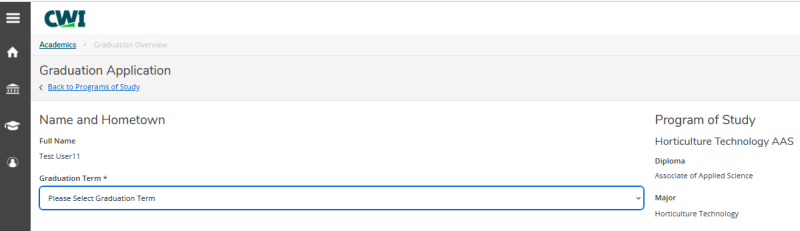
- Use the drop-down menu to choose your anticipated graduation term.
- Under Commencement Details, be sure to review your mailing address as this is where your diploma will be sent.
- If your correct address is not listed, select Ship to a new address, and complete the required information.
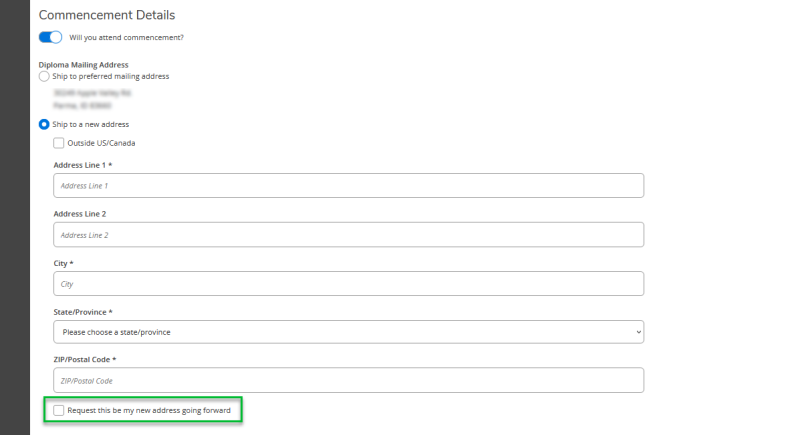
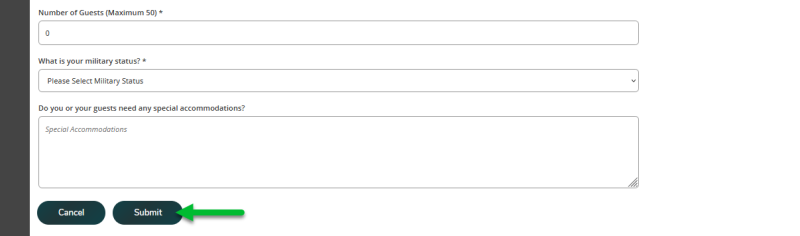
- Fill out the remaining information in the Commencement Details section, then click Submit to complete your application.
- If your application is submitted successfully, you will see a Application submitted on and the date your application was submitted.

- Your application will be reviewed at the start of the term you are hoping to graduate in. You will receive an email when your application has been reviewed.
- Should you need to update your application for graduation once submitted, select Application Submitted. From here, you may modify your address but not the term, major, or degree.